

An example preprint / working paper
Lorem ipsum dolor sit amet, consectetur adipiscing elit. Duis posuere tellus ac convallis placerat. Proin tincidunt magna sed ex sollicitudin condimentum.

PhD Computer Science
2021-08-16
Present
Rice University
B.Tech Computer Science
2013-08-01
2017-05-31
Indian Institute of Technology, Kanpur
Use this area to speak to your mission. I’m a research scientist in the Moonshot team at DeepMind. I blog about machine learning, deep learning, and moonshots.
I apply a range of qualitative and quantitative methods to comprehensively investigate the role of science and technology in the economy.
Please reach out to collaborate 😃
Lorem ipsum dolor sit amet, consectetur adipiscing elit. Duis posuere tellus ac convallis placerat. Proin tincidunt magna sed ex sollicitudin condimentum.

Lorem ipsum dolor sit amet, consectetur adipiscing elit. Duis posuere tellus ac convallis placerat. Proin tincidunt magna sed ex sollicitudin condimentum.
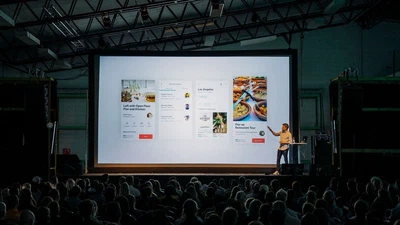
Discover how to create stunning, interactive presentations using simple Markdown — no PowerPoint, Keynote, or vendor lock-in required.
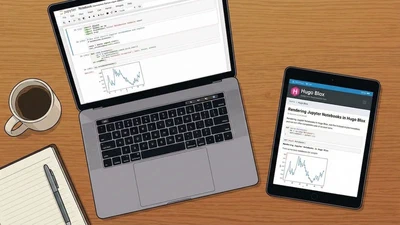
Publish your data science and research directly from Jupyter Notebooks. No screenshots required.

Take full control of your personal brand and privacy by migrating away from the big tech platforms!
Create a personal knowledge base and share your knowledge with your peers.
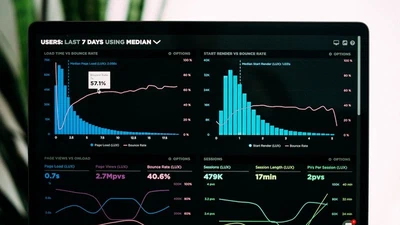
Use popular tools such as HuggingFace, Plotly, Mermaid, and data frames.

Embed videos, podcasts, code, LaTeX math, and even test students!

Easily manage your projects - create ideation mind maps, Gantt charts, todo lists, and more!